
WebAR and Interactive 3D

Let people explore your products and ideas in 3D—wherever they are

A product image can show what something looks like. An interactive 3D experience lets people rotate it, inspect details and, where supported, place it into their surroundings using augmented reality (AR). With WebAR, the experience can run through a compatible mobile browser, reducing the need to ask every visitor to download a dedicated app.

Optimance designs and develops browser-based AR and interactive 3D experiences for product communication, marketing, education and demonstrations. We help turn 3D assets and content into experiences that are useful, accessible and aligned with the purpose of the project.
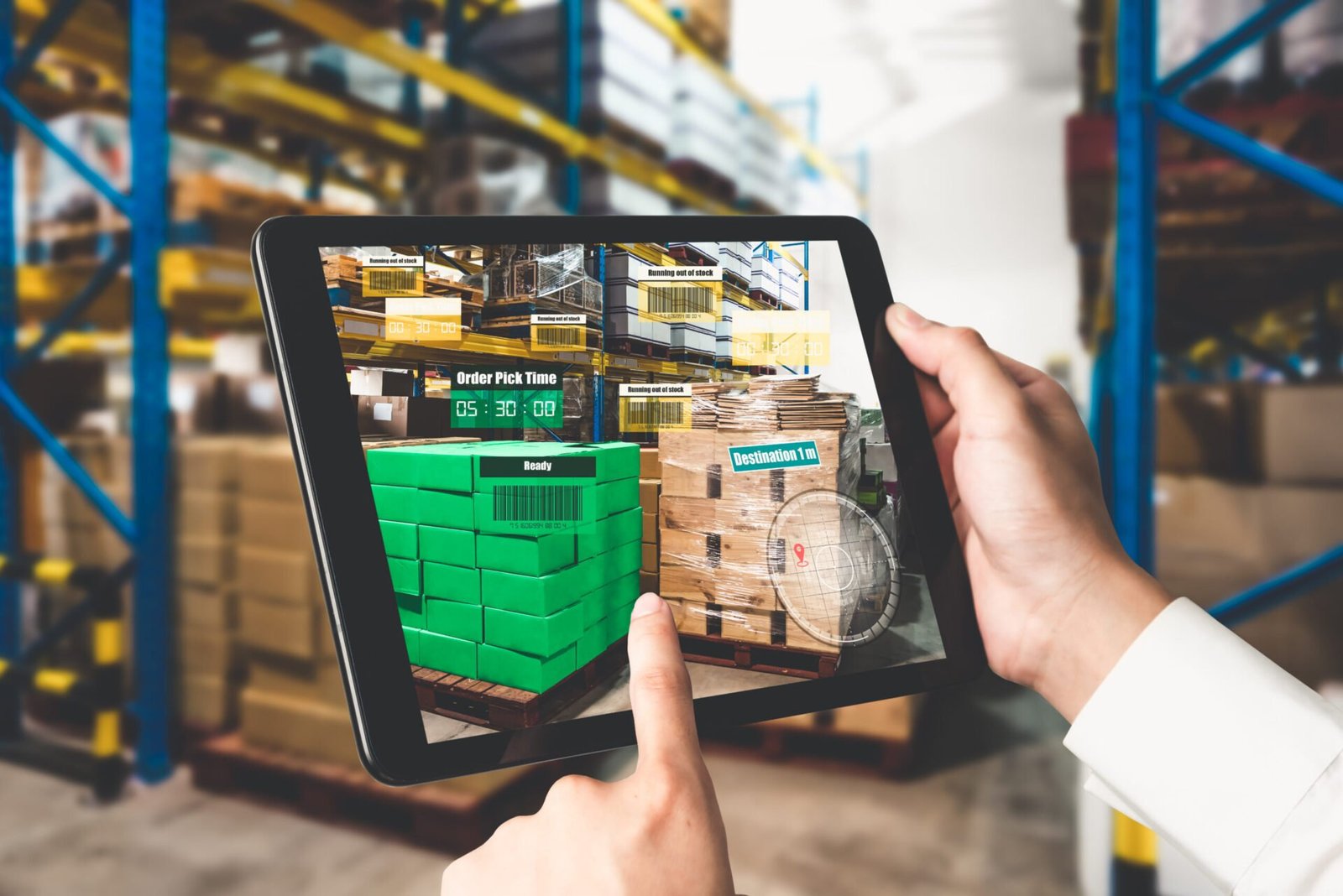
What can you create?

  • Interactive product demonstrations: Let users rotate and inspect equipment, products or objects, with hotspots, labels, images, audio or video.
  • AR product placement: Where device and browser support allow, let users view a product at an appropriate scale in a real environment.
  • Campaign and event experiences: Give audiences a direct way to explore an object, story or activation through a QR code or web link.
  • Learning and interpretation: Add explanatory content to 3D artefacts, models and demonstrations.
  • Sales and stakeholder communication: Use interactive models to explain complex products or designs before a physical example is available

Why browser-based AR?

Simple and easy to access

A browser-based experience can make access simpler: a visitor scans a QR code or opens a link rather than first installing an app. It can also be easier to distribute through websites, digital campaigns and event materials.

Native application

A native app may be preferable when a project needs deeper device integration, extensive offline use, persistent user accounts or specialised functionality. Optimance can help compare these options before committing to a build.
Case Study

The client required an application to help students be more familiar with Opal’s operations in Gippsland, and conceptually understand the use of machinery through an augmented virtual simulation of the machine.

The deliverable included an AR application (called Bioman) that used an exact 3D model representing the real-life machine, enabling students to ‘operate’ the machine using a mobile or tablet device, according to specified instructions.

From 3D asset to working experience

1

Review the assets

Existing GLB, glTF, USDZ, CAD or other files may be useful, but they may need conversion, optimisation, texture adjustments or geometry cleanup. The best workflow depends on the source and target devices.
2

Design the interaction

Decide what users should be able to do: rotate, zoom, place, select hotspots, view media, compare options or follow a guided sequence.
3

Build and test

Optimise loading time, visual quality and controls, then test on representative iOS and Android devices and browsers. Device testing is essential; a successful desktop preview is not enough.
4

Publish and measure

Deploy the experience to a suitable web destination and use privacy-conscious analytics where appropriate to understand visits and interaction

What affects cost?

Costs depend on asset readiness, number of models, interaction design, visual fidelity, AR tracking, content production, device coverage, analytics, hosting and ongoing updates. Reusing well-prepared 3D assets can reduce work, but assets should be assessed before a budget is confirmed.

Make your 3D content work harder

Optimance can help you assess an existing model, prototype an interaction and select a deployment approach. Bring us your product, 3D files or campaign objective and we can map the next step.

Next Steps

Tell us what people need to learn, who needs the training and where it will be delivered. We’ll help identify a practical next step

Discuss how we can help you optimise your 3D assets

Our Services

VR Training & Simulation
Real world situation awareness and simulations
Spatial + Enterprise XR
Development for scale
3D visualisation + Digital twins
Real-life simulations
Education & Cultural heritage
Immersive learning experiences