3D Visualisations and Digital Twins

Make complex assets easier to understand, explore and communicate

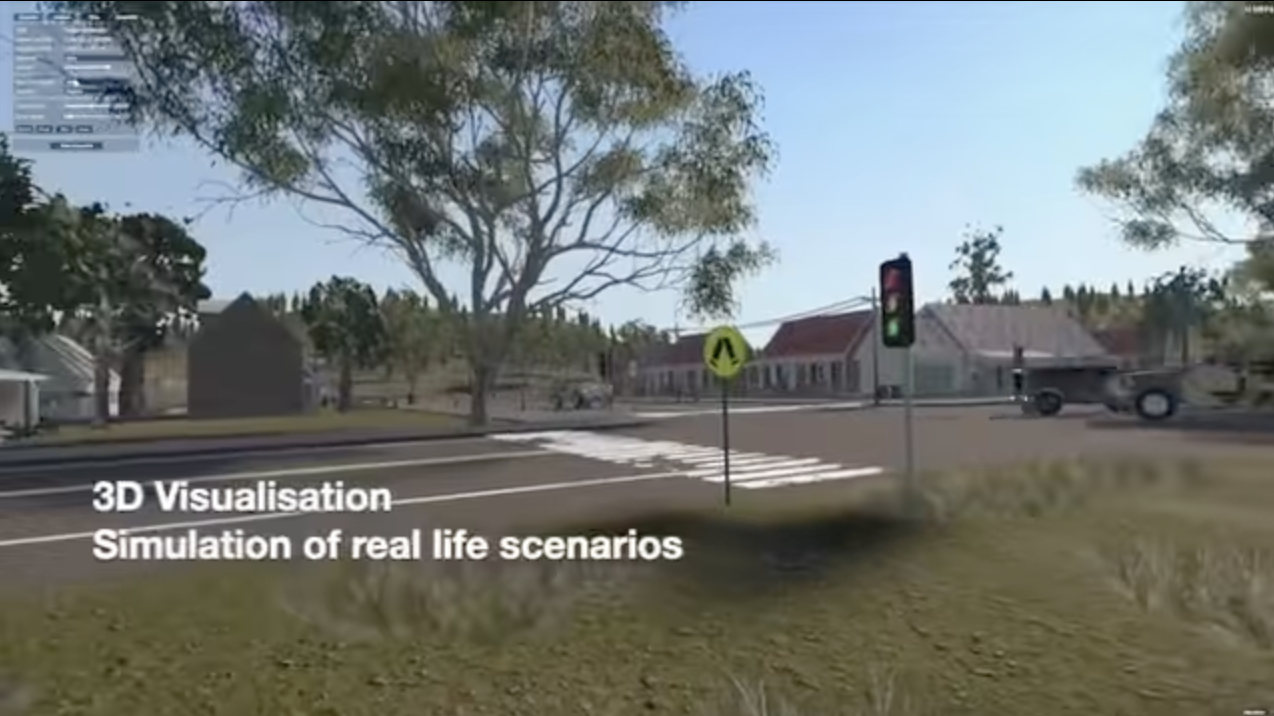
A physical asset can be difficult to explain through photographs, drawings or technical documentation alone. A well-prepared 3D model can help people inspect shape, scale and detail, while interactive visualisation can add labels, supporting media and guided information.

Optimance helps organisations capture, prepare and present 3D assets for virtual environments and interactive applications. Depending on the project, source material may come from LiDAR, photogrammetry, existing CAD files or other modelling workflows. We can then develop or enhance the models for the intended viewing experience, including web, mobile and supported immersive devices.
What is a digital twin?

The term “digital twin” is used in different ways. At a basic level, a digital representation of an asset may support visual inspection or communication. A more advanced digital twin may connect to live or regularly updated operational data and represent the state or behaviour of a real asset. A 3D model by itself is not automatically a fully connected digital twin.
Defining the intended outcome helps prevent over-scoping. If the goal is to show a machine in 3D with explanatory hotspots, a visualisation may be sufficient. If the goal is to monitor asset condition or operational performance, the project may also require data integration, update processes and a defined system architecture.

Potential applications

  • Visualise machinery and equipment at scale.
  • Explore buildings, facilities or infrastructure assets.
  • Communicate engineering concepts to non-technical stakeholders.
  • Create digital representations for training and familiarisation.
  • Present assets through interactive web or mobile experiences.
  • Support planning discussions where a shared visual reference is valuable.

From capture to deployment

1

Deploy and maintain

Decide where the model will live, who can access it, how revisions will be managed and whether it needs to connect to other data.
2

Plan the capture

Identify the asset, access conditions, required detail, measurement or accuracy needs, lighting and safety constraints. Some surfaces and environments are difficult to capture reliably.
3

Capture and process

LiDAR and photogrammetry have different strengths and limitations. The right method depends on scale, texture, geometry, access and required fidelity. Capture data may need cleanup and processing.
4

Optimise the model

A model suitable for a high-end workstation may be too heavy for a phone or headset. Geometry, textures, file size and level of detail should be matched to the target platform.
5

Add context and interaction

Depending on the brief, this may include annotations, hotspots, images, video, audio, comparison views or navigation.
Case Study

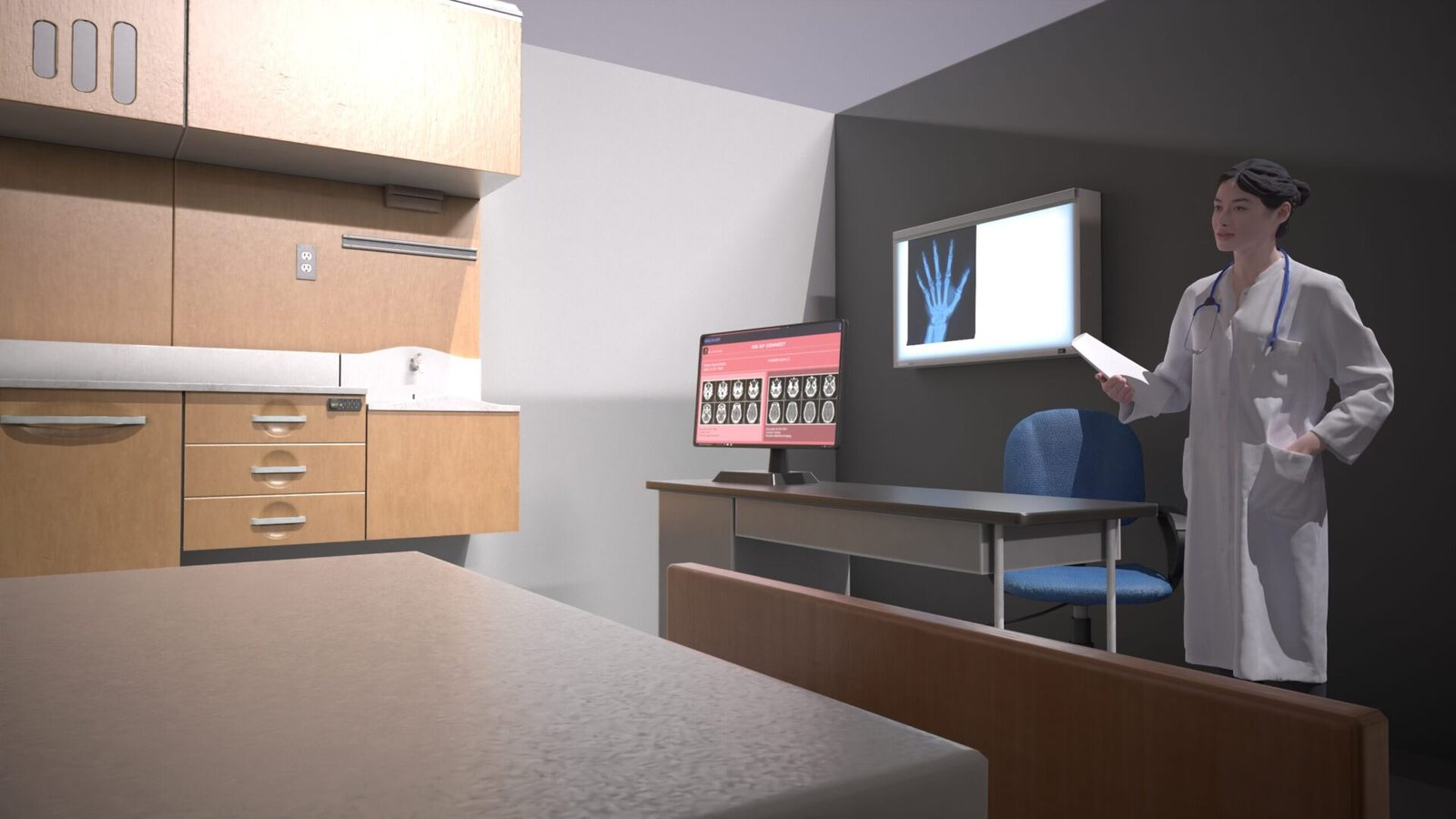
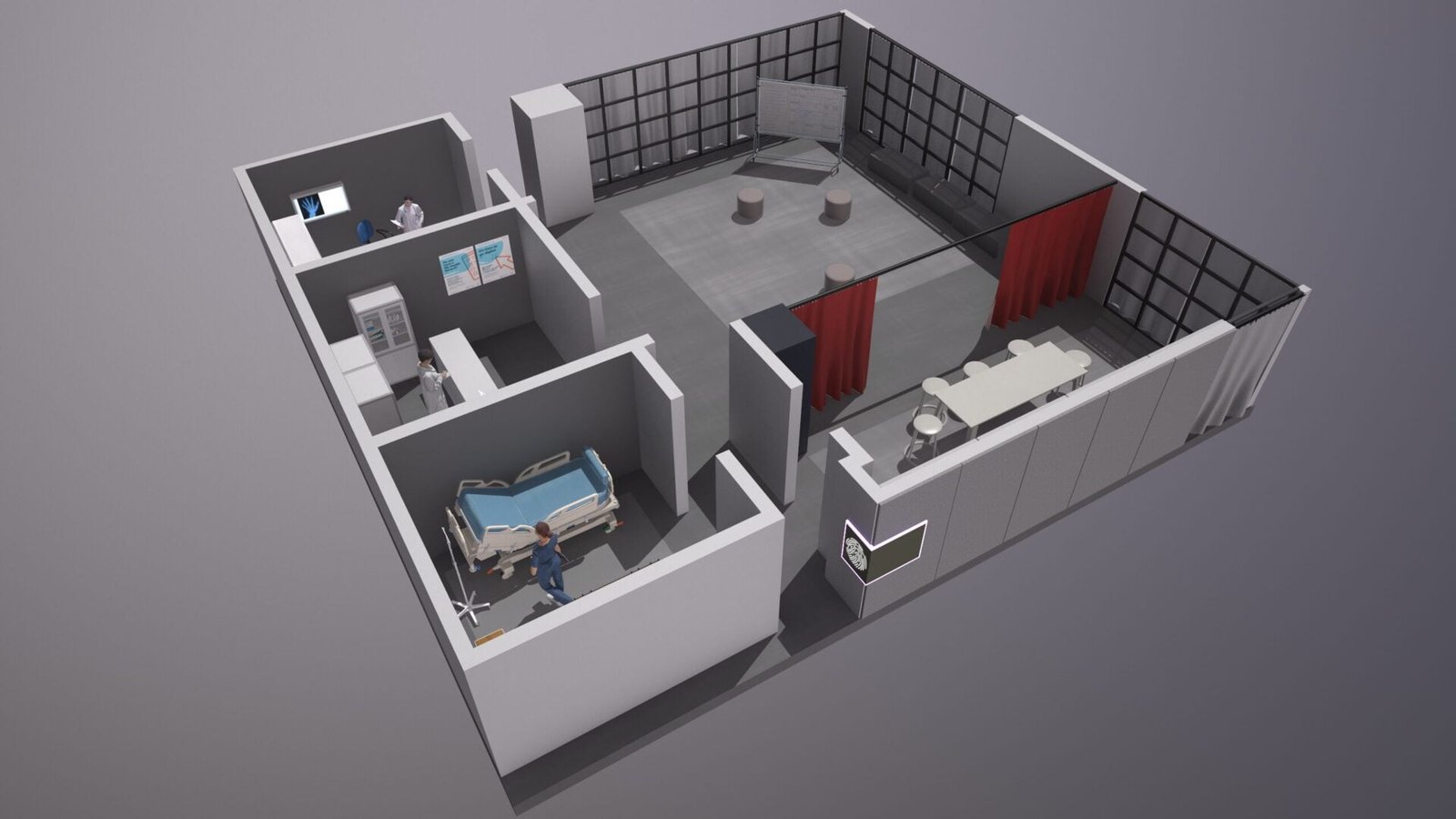
Our Government client built a flexible office space that can accommodate different settings to simulate real-life environments.

In addition to using the space as is currently with the physical furniture, they wanted to explore how augmented reality can be used to show  the facility working in a variety of ways, and communicate it using 3D visualisation techniques.

What determines project scope?

Important factors include asset size and complexity, site access, capture method, model accuracy, the number of assets, interaction requirements, device targets, data integration and update frequency. We recommend confirming these requirements before estimating the work.

Turn an asset into a useful experience

Optimance can help define the right level of capture and visualisation for your use case—from an interactive model to a broader immersive workflow.

Next Steps

Tell us the visualisations you are looking to build, and assets you would like to digitise. We’ll help identify a practical next step

Discuss an asset visualisation project

Our Services

Web and Interactive 3D
WebAR and Interactive 3D experiences
Spatial + Enterprise XR
Development for scale
VR Training & Simulation
Real world situational awareness and simulations
Education & Cultural heritage
Immersive learning experiences